Smartphone Control
Residential Smartphone Control. Manage your security and smart home with a single tap from anywhere.
SPS Fire & Security integrates residential alarm and camera systems with industry-leading smartphone apps including Total Connect 2.0 and Alarm.com. Manage your home security from anywhere — arm and disarm your alarm, view live camera feeds, lock or unlock smart doors, and receive instant push notifications for motion or alarm events. Our local Monroe County technicians handle the full setup and walk you through the app so you are confident and in control from day one. Get a quote on a smart security system today.
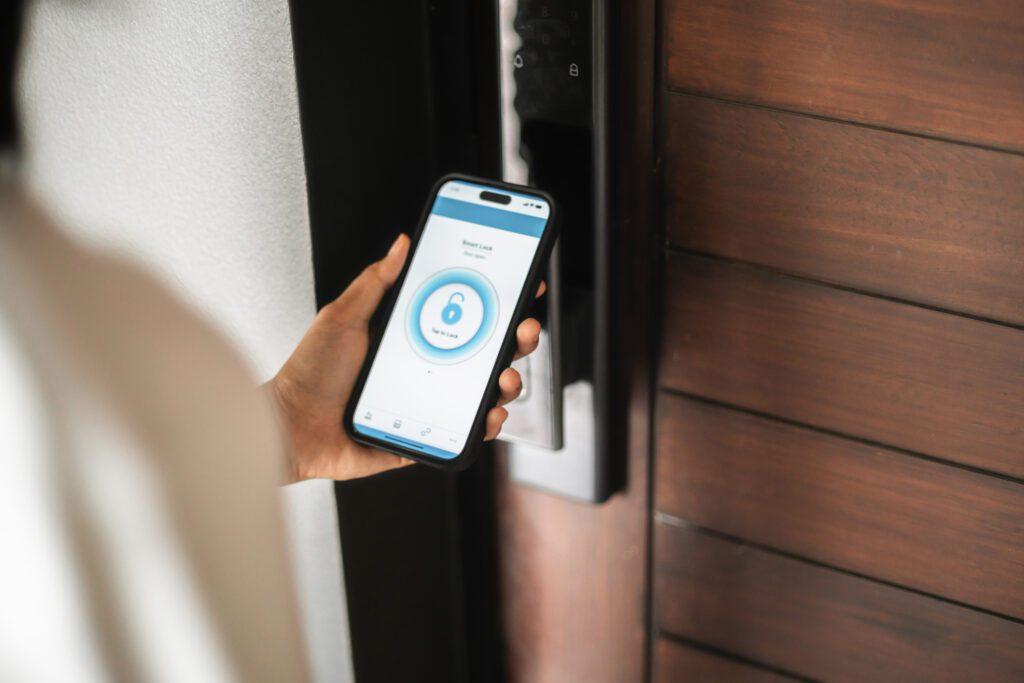
Complete Control. Zero Stress.
Our smart home mobile app isn't just an accessory; it's your connection to what matters most. With a sleek interface and lightning-fast response times, you can manage your entire property with a single tap.
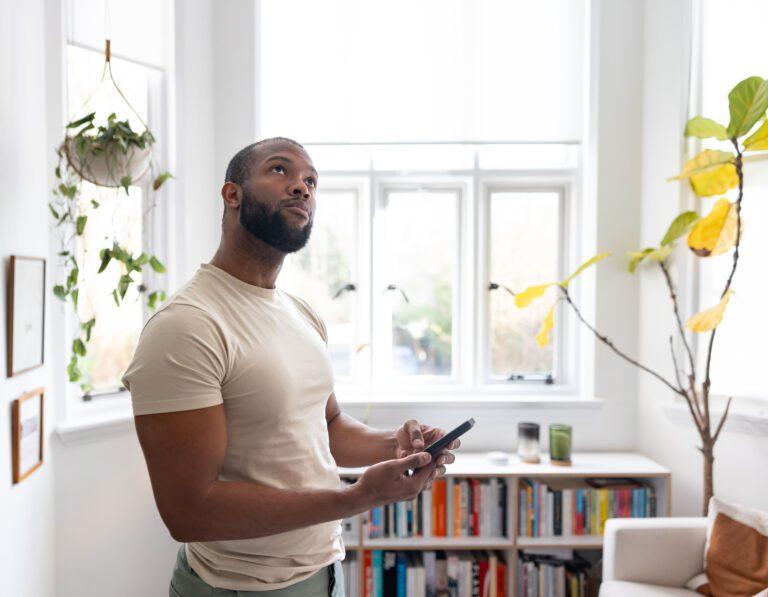
What Can You Do With the App?
- Instant Arm/Disarm:View your system status in real-time and secure your home with one touch.
- Real-Time Text Alerts:Get a notification the second your system is armed or disarmed.
- Family Tracking:Rest easy knowing exactly when the kids get home from school while you're at work.
- Sensitive Area Monitoring:Receive an immediate alert if a liquor cabinet, medicine cabinet, or gun safe is accessed.
- Remote Guest Access:A friend stopped by? Disarm the system remotely to let them in, then re-arm it once they're settled.
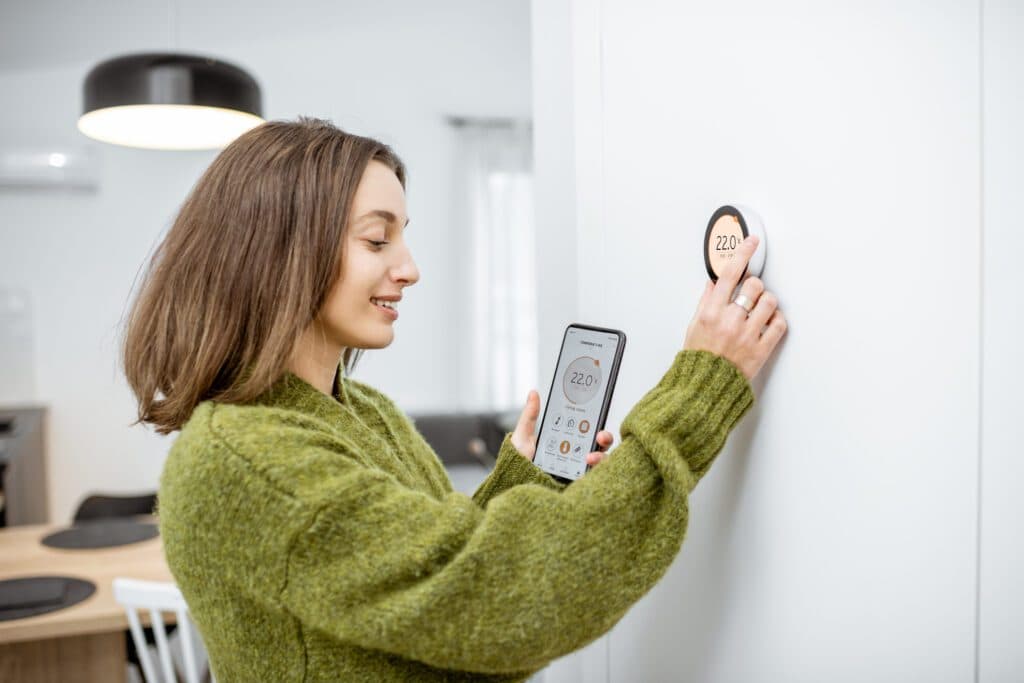
Beyond Security: The Connected Home
Why stop at alarms? SPS Fire & Security integrates your entire lifestyle into one app. Connect your electronics, smart locks, thermostats, and lights for a truly intelligent home.
Smartphone Control FAQs
App control is one of the most-used features of a modern alarm. These answers cover setup, security and everyday use.
Which apps can I use?
We support industry-leading platforms including Total Connect 2.0 and Alarm.com. The right app depends on your panel, and we set it up during installation.
What notifications can I receive?
You can get alerts for alarms, arming and disarming, specific doors opening, motion on cameras, and environmental events such as water leaks or low temperatures.
Can family members have their own logins?
Yes. Each family member can have a separate login and user code, and you can control what each person can see or change.
Can I use the app on an older system?
Many existing panels can be upgraded with a communicator or module that adds app control. We will check what your system supports.
Is my data secure?
The apps use encrypted connections and individual accounts. We recommend strong passwords and removing users who no longer need access.
Can I see who disarmed the system?
Yes. Each person has their own user code, and the app event history shows who armed or disarmed the system and when.
Will the app work while I am travelling?
Yes. As long as your phone has data or Wi-Fi, you can check and control your system from anywhere.
Can I get video clips in the app?
Yes. When cameras are connected, you can view live video and recorded clips in the same app that controls your alarm.
Can I arm the system automatically?
Yes. Schedules and geofence reminders help make sure the system is armed when the house is empty or everyone is in bed.
Can I silence a false alarm from the app?
Yes. You can disarm from the app, and the monitoring center will follow up as usual.